Engineering · · 3 min read
Streaming a design into existence
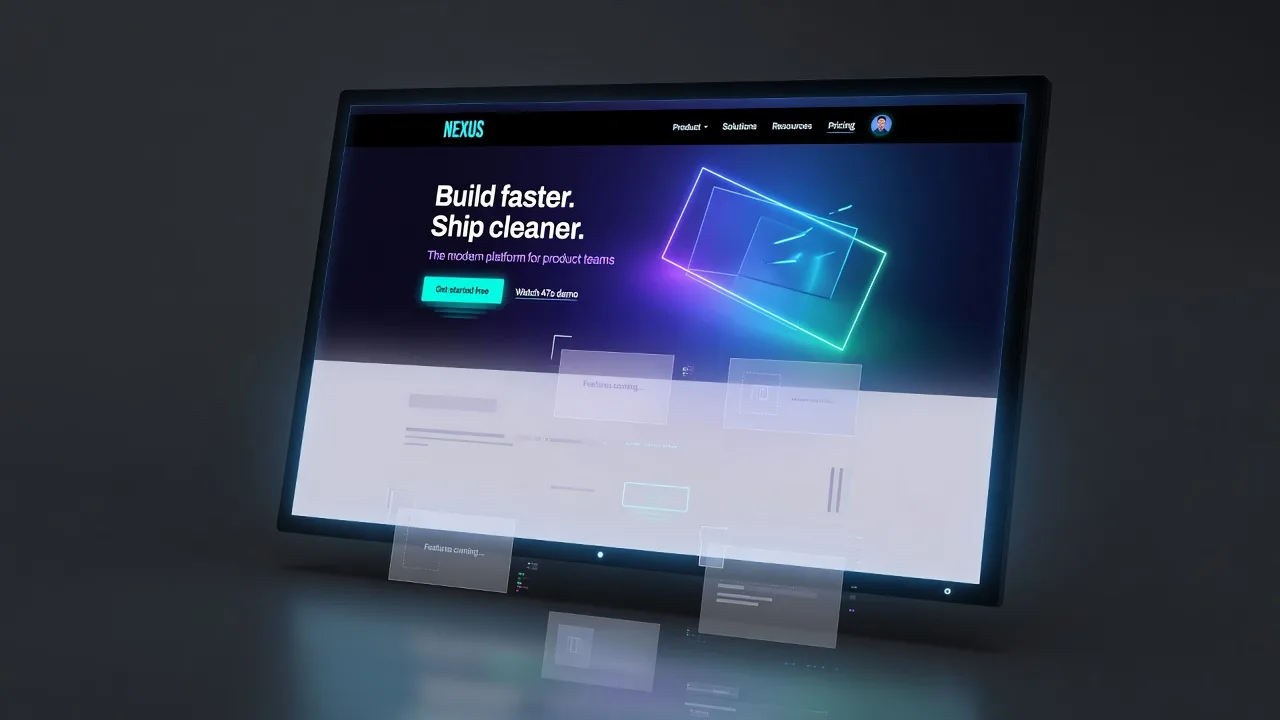
A design takes about a minute to generate. You can spend that minute looking at a spinner, or you can spend it watching the page build itself. We chose the second, and it turned out to matter for more than presentation.
Progress you can act on
A spinner tells you the request has not failed yet. A design assembling itself tells you whether the layout is going the right way. If the hero comes back wrong you already know, thirty seconds before the run finishes.
The throttle is the whole trick
Rendering every chunk as it arrives will peg a CPU and make the page stutter. Rendering a batch every couple of hundred milliseconds gets you a design that lands in around forty repaints and still reads as live.
The other half is history. Streaming updates must not enter the undo stack. At one snapshot per chunk, a single generation would push out every real step in a matter of seconds.
Partial markup is fine
A stream is cut mid-tag most of the time. The browser’s own parser closes whatever is dangling, which is exactly the behaviour a live preview wants. What it does not handle is a chunk boundary landing inside the opening tag of the root element, where the leftover attributes get parsed as text. That one is worth guarding.
Keep reading
- How a labelled sketch becomes a UI
You do not prompt a layout into existence. You draw the boxes, write what they are, and the screen is generated from that.
- How to label a UI sketch so the model stops guessing
Write the component type, a piece of real copy, or a size constraint. Those three labels do more than a longer prompt.
- A mood board is how the fifth screen matches the first
A palette of eight nice colours is a mood. A palette where each colour is bound to a role is a system.