The SketchMason blog
Notes on sketching, design systems and generating interfaces. How SketchMason is built, and what it is for.
 Craft
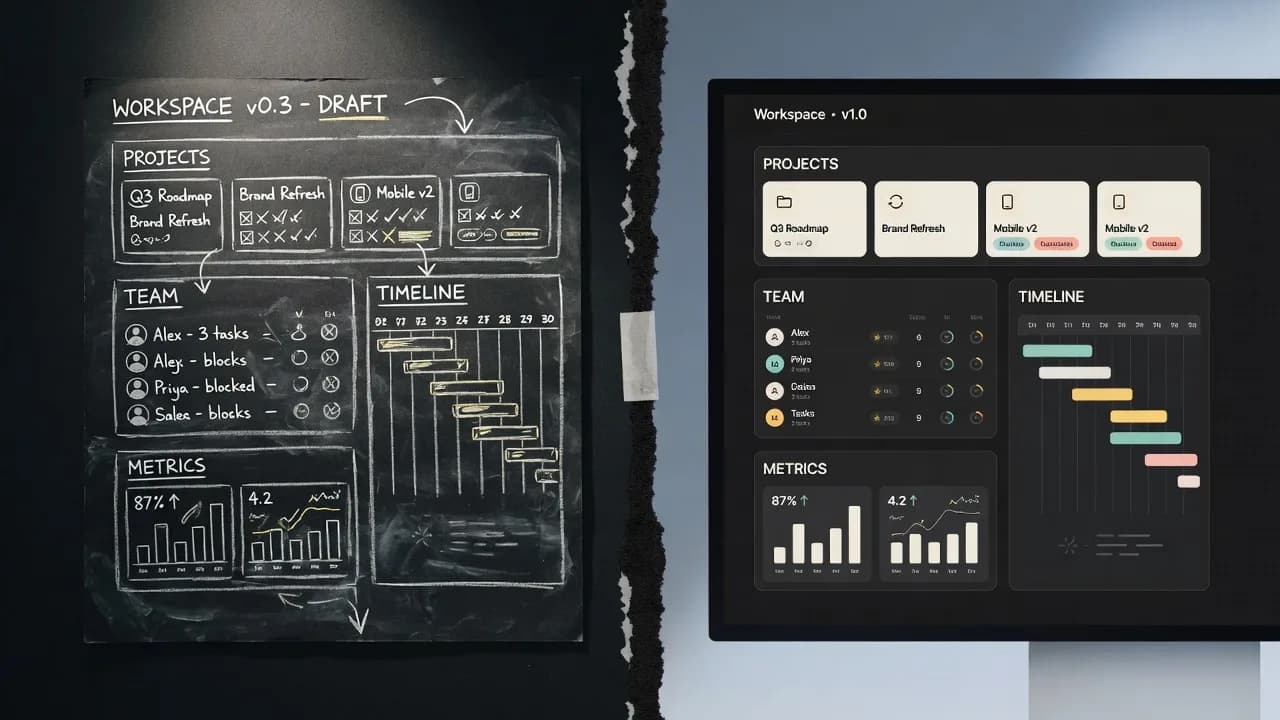
CraftHow a labelled sketch becomes a UI
You do not prompt a layout into existence. You draw the boxes, write what they are, and the screen is generated from that.
 Craft
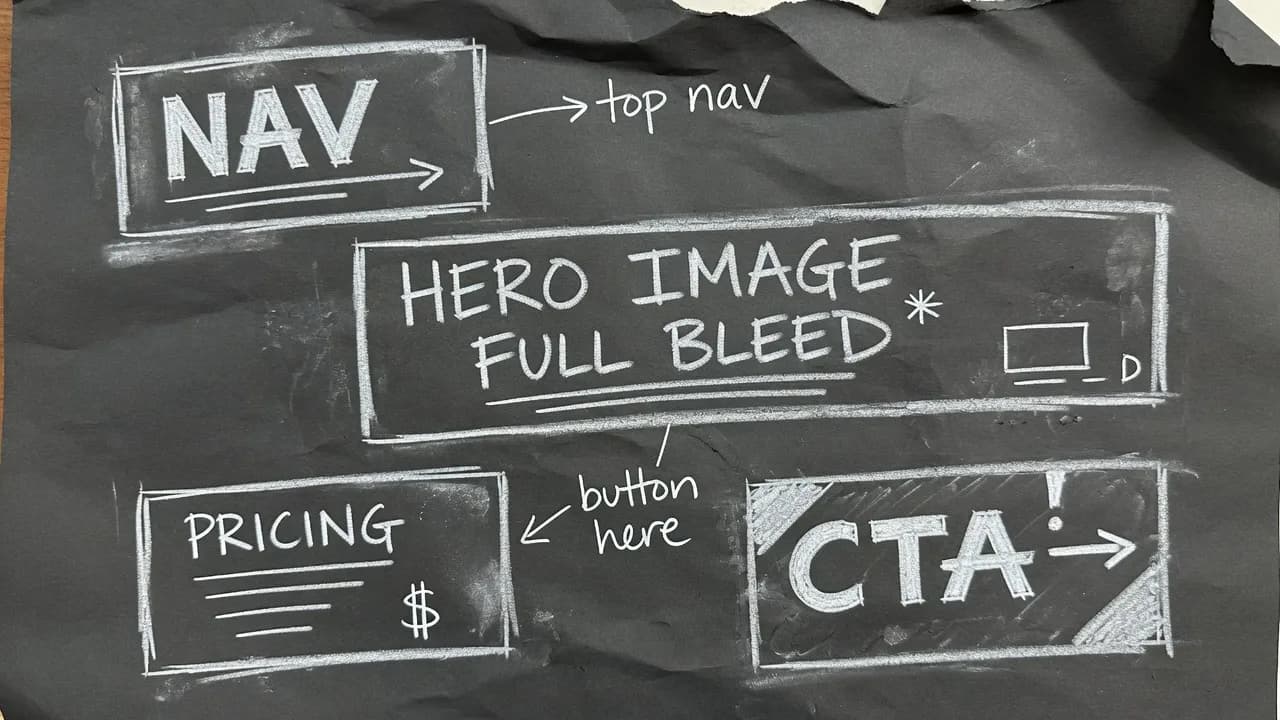
CraftHow to label a UI sketch so the model stops guessing
Write the component type, a piece of real copy, or a size constraint. Those three labels do more than a longer prompt.
 Design systems
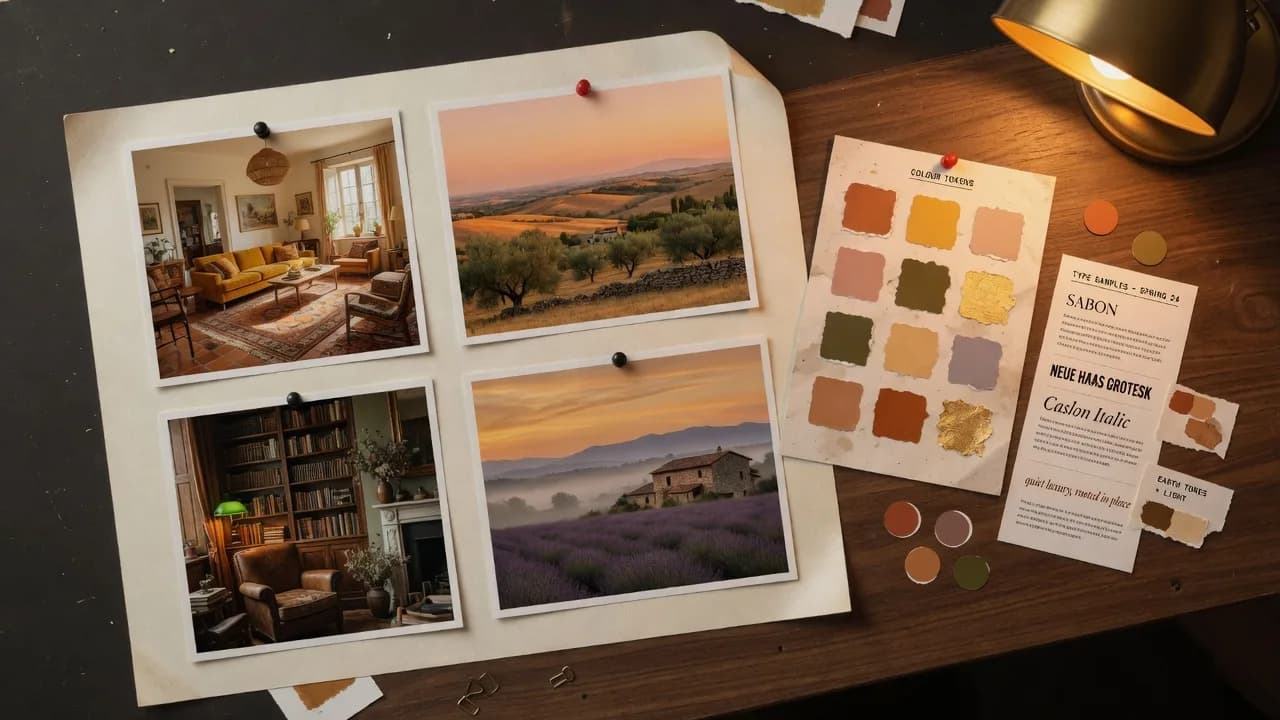
A mood board is how the fifth screen matches the first
A palette of eight nice colours is a mood. A palette where each colour is bound to a role is a system.
 Product
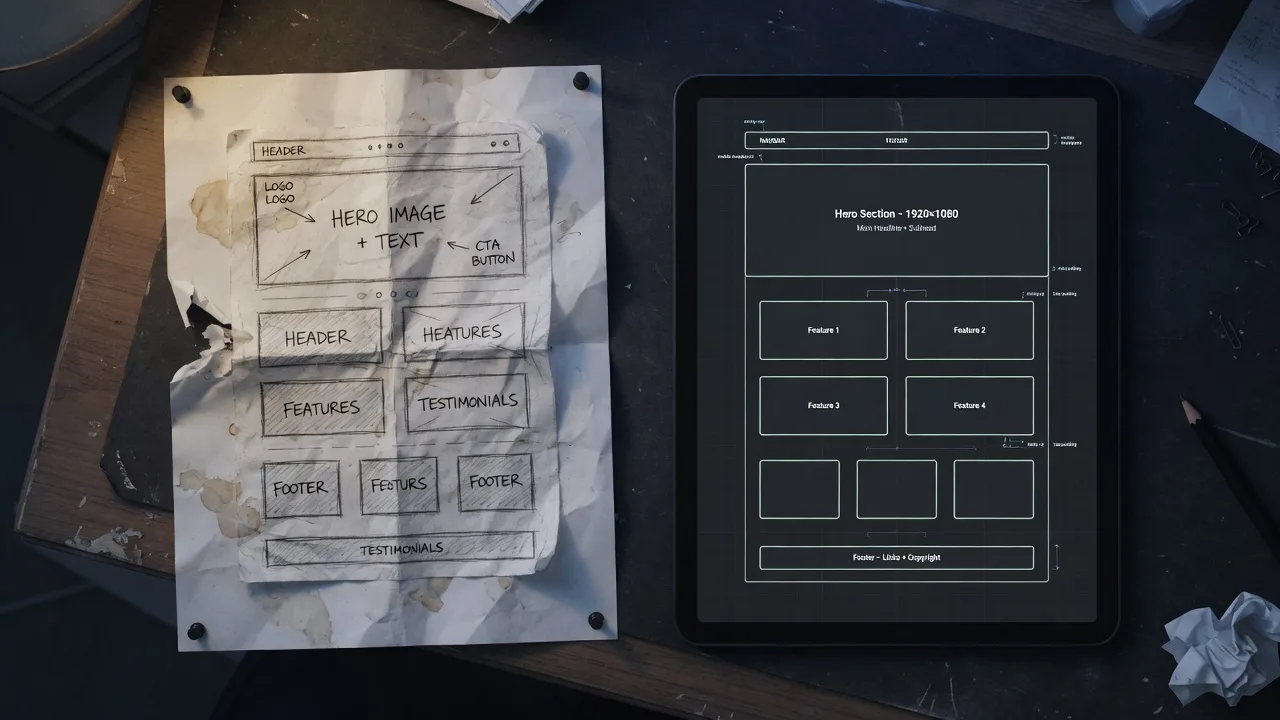
Uizard turns a sketch into a wireframe. SketchMason turns it into a design.
Both take a photo of a napkin. What comes back is the difference: an editable wireframe, or a finished screen built from your own design system.
 Product
What you take away is a design, not a running app
Export is a standalone HTML file or a written brief. Drawing is free. Generating costs a credit.
 Craft
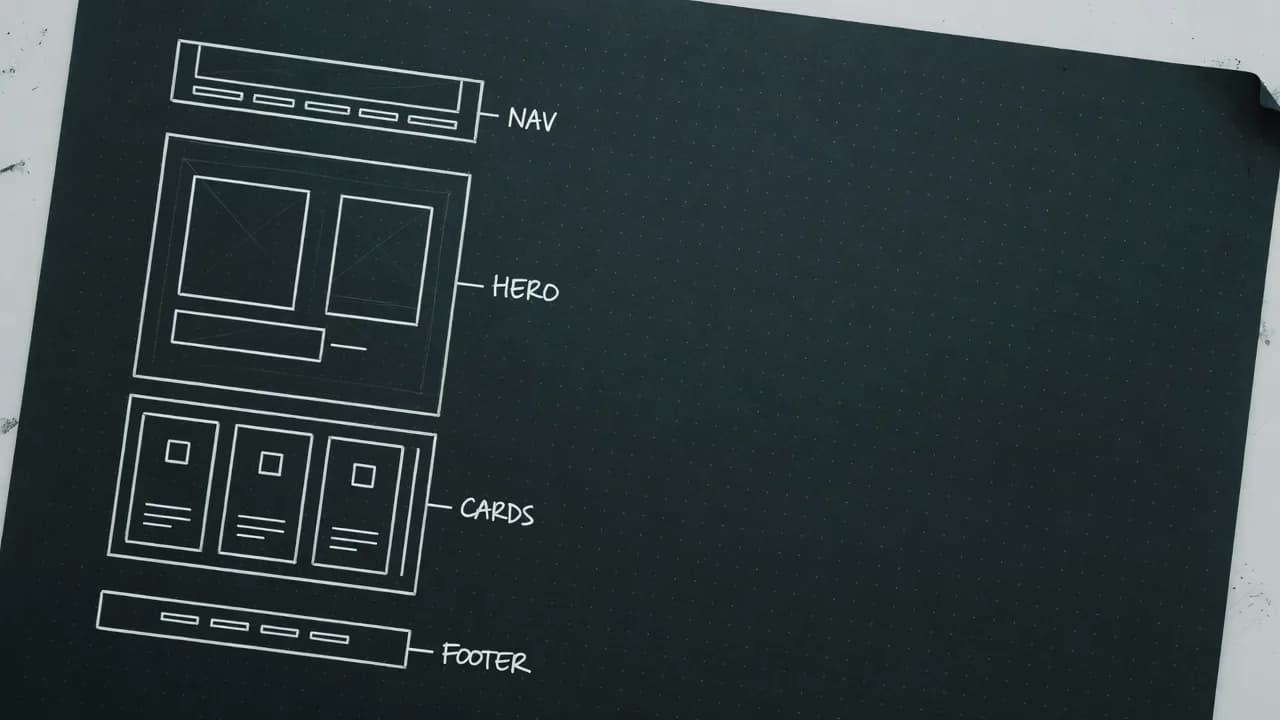
CraftYour sketch matters more than your prompt
The fastest way to improve a generated design is not a better model. It is three words written inside a box.
 Design systems
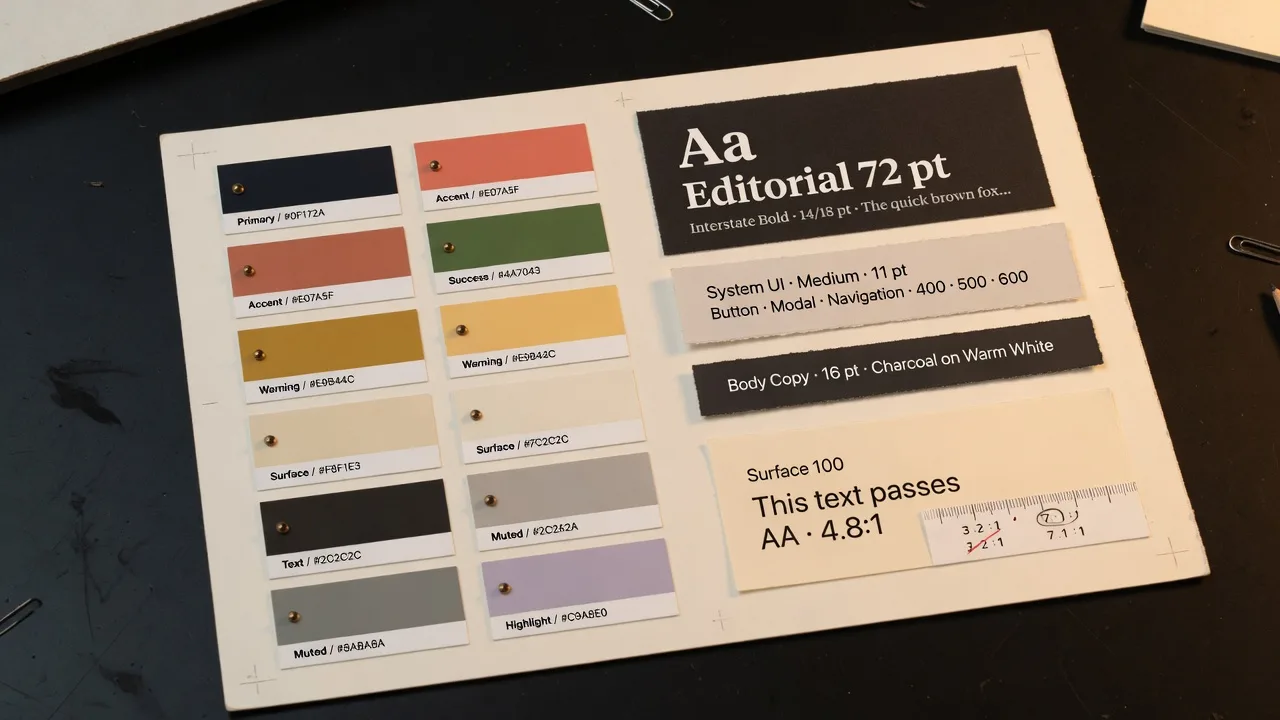
A design system is just a set of constraints
Generating a palette is easy. Generating a palette that stays readable at every pairing is the actual work.
 Engineering
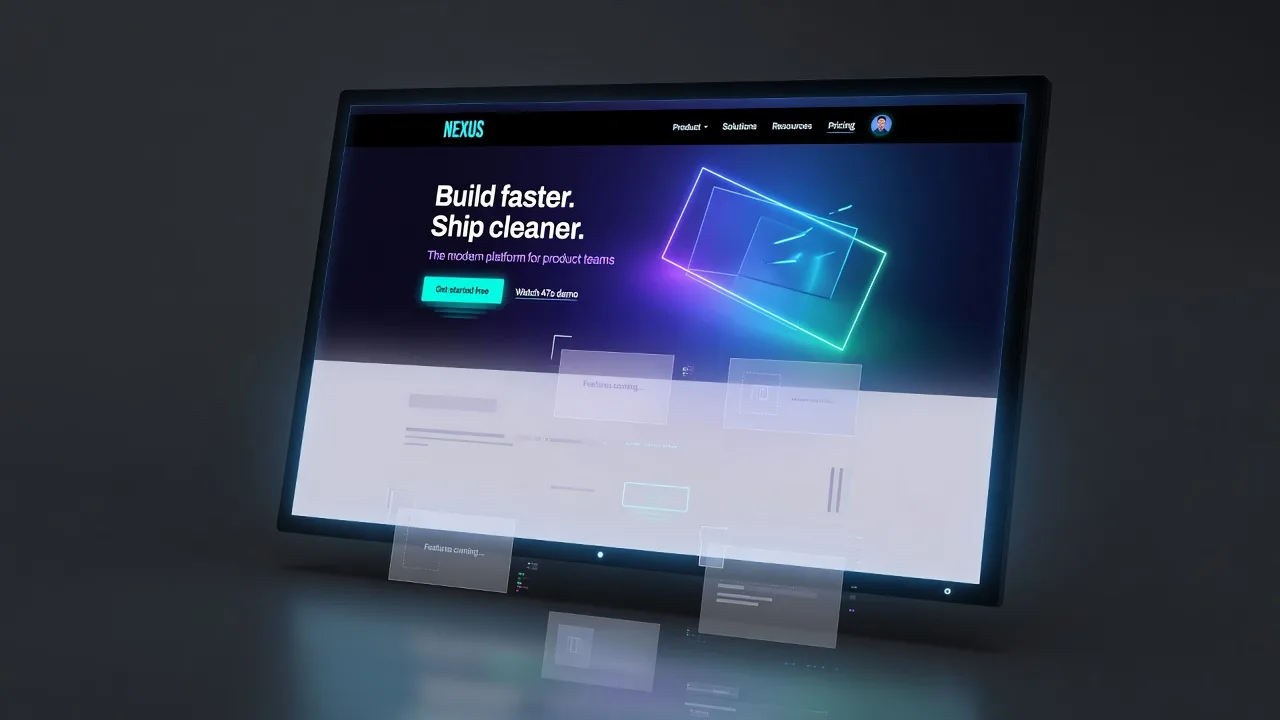
Streaming a design into existence
Watching a layout assemble itself changes how the wait feels, and it changes what you can catch early.
 Product
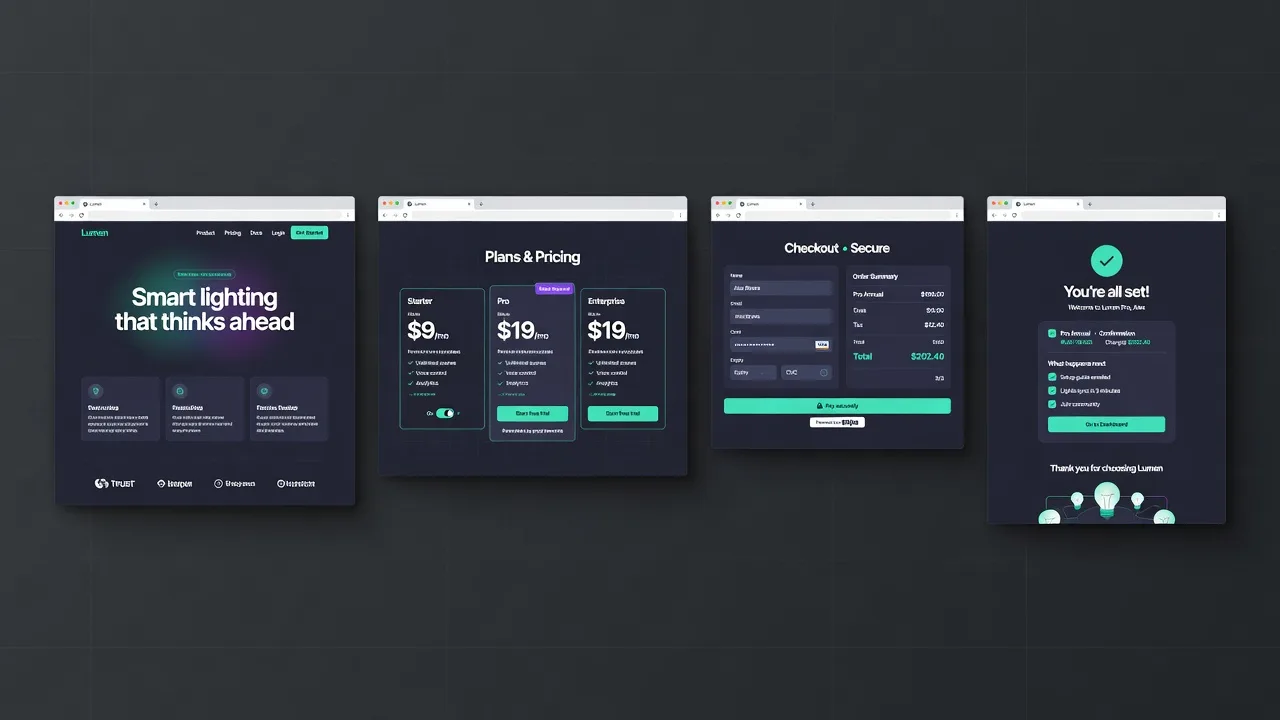
One screen is a mock. Four screens is a product.
The gap between a nice hero section and something you can actually review is the rest of the flow.
Draw the shape. Get the product.
Free to start. A new account comes with two generations, and no card is asked for.
Start free, no card